
Managing Calls with Call Classifications
Overview
Call Classifications is a tool that you can use to manage the types of calls you receive. It helps you organize calls and keep track of ones that need additional attention - such as an issue that needs resolution.
As calls are made to your phone number and come into your dashboard, you can classify the call after reviewing all the available details about the call - this helps you keep track of the calls where action is required on your side to maintain customer satisfaction or close on a potential lead.
Call Outcomes and Call Outcome Summaries is another available tool that helps you manage your inbound calls by providing details on the caller's journey through your call flow. To learn more about Call Outcomes and Call Outcome Summaries visit this support article:
https://support.qivir.io/en/articles/9710657
Managing Calls
Depending on the types of call flows you build and how you intend to use the system, your need to manage calls may vary. If you use the platform strictly for pass-through call tracking where callers don't interact with the QIVIR platform features but are silently connected to external numbers and agents - you may choose not to manage calls in the QIVIR platform.
If you take advantage of various built-in call flow features where your callers are interacting with informational messages, menu options, location searches, connecting to locations or agents, or leaving voicemails - you may need to manage calls in order to make sure your callers are having the best experience possible and are getting the information they need or are connecting to the correct location or agent.
The Calls Dashboard has filters for Call Classification that will allow you to focus on calls that have not been classified yet, or classifications such as Needs Attention to make sure you focus on customers or leads that need your assistance.
Afte evaluating all the details about a call and setting the appropriate Call Classification in the Call Details Panel, you can then filter the call activity grid to help you zero in on those customers or leads that need attention.
Where Are Call Classifications Visible?
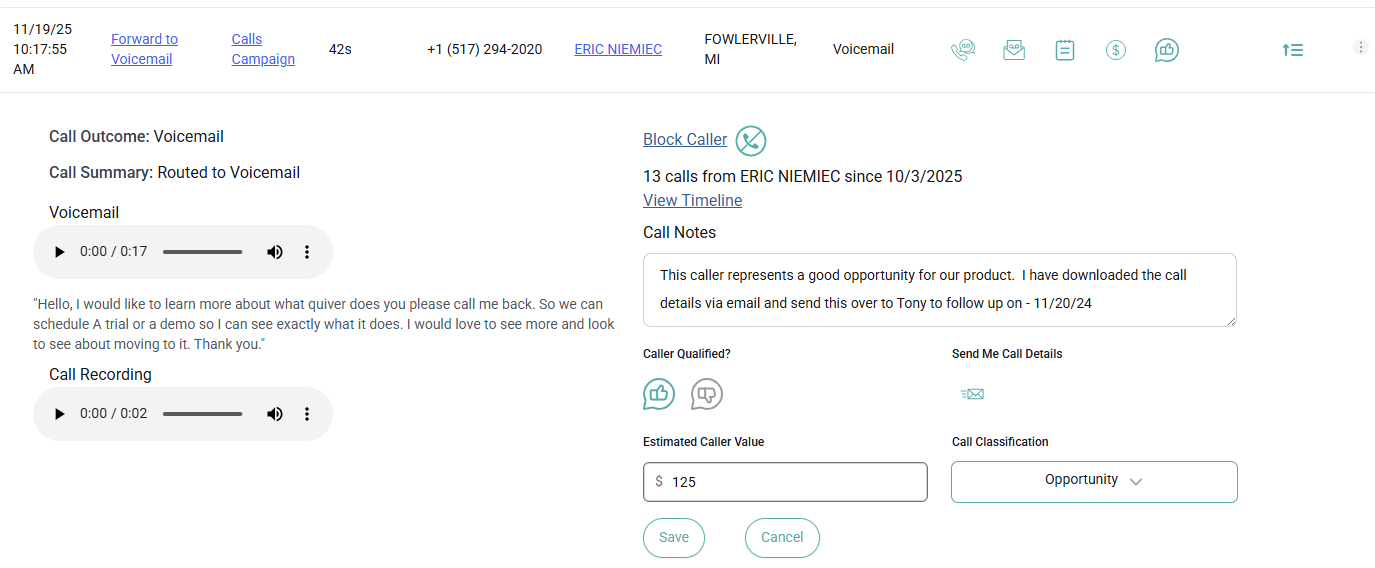
Call Classifications are visible as filters at the top of the Calls Dashboard, as a column header on the Calls Activity Grid and can be edited in the Call Details Panel when you expand the details of the call using the expansion icon on the right of the call details row.
After reviewing all of the details about the call, you should set the appropriate Call Classification so you know which calls if any require further attention, or so that you can analysis your calls based on how you classified them.
How Can I Report on Call Classifications?
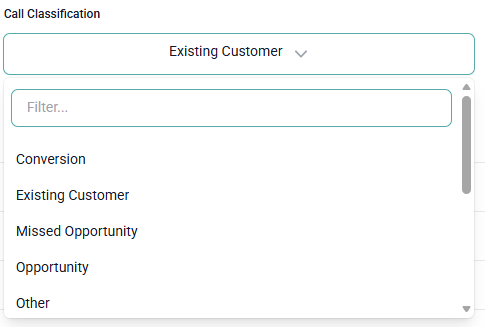
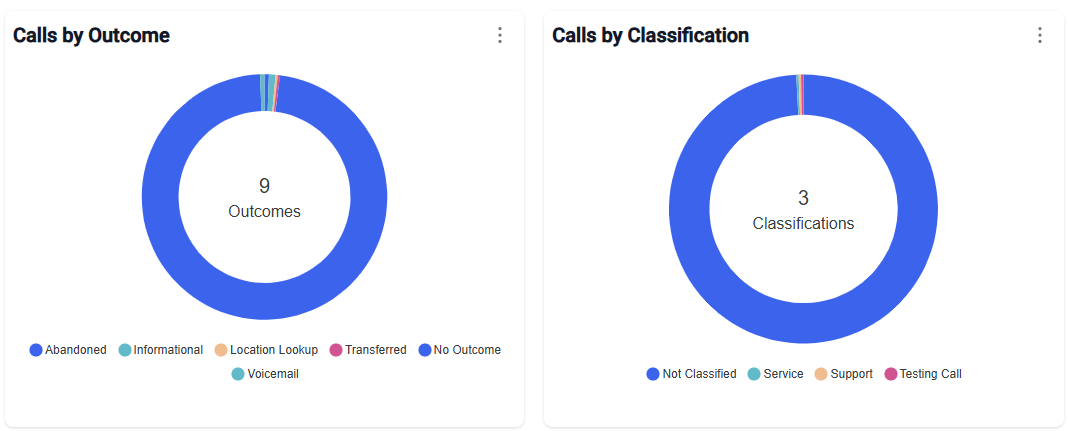
The Calls Dashboard contains a filter for Call Classifications which allows you to inspect calls that have a call classification of interest. You can also export all of the data to Excel to perform your own analysis on or view the pie charts available on the Calls Dashboard.
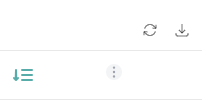
You can export all of the data to perform your own analysis by clicking on the download icon on the top right corner of the calls activity grid.
You can view the pie charts on the Calls Dashboard:
Possible Call Classifications
Here is the list of possible Call Classifications that the system currently supports. Please note that this list may change from time to time.
Conversion
Existing Customer
Missed Opportunity
Sales
Service
Support
Personal
Spam/Robo
Wrong Number
Testing
Opportunity
Needs Attention
Resolved
Other
Conclusion
Calls Classifications in an important tool that helps you manage your calls and understand what possible further actions you or your teams need to take on a call. It is important to stay on top of your calls and resolve any issues with callers as soon as possible.